
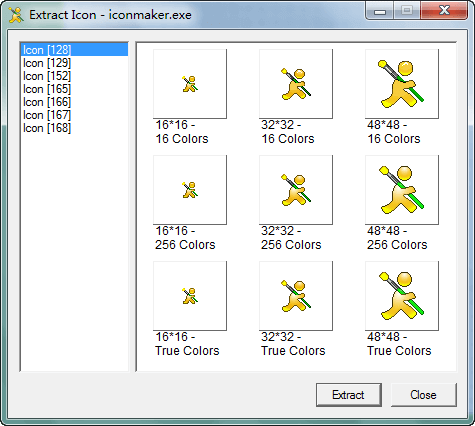
To extract icons from DLL, EXE, OCX, SCR, or other application files, select Extract From Application. . . from the [File] pull-down menu. This activates the standard Open dialog box. Then select the file you want to extract its icon(s) into the grid editor window. Use the combo box at the top to select the appropriate folder and click on the icon file in the list below. Press the Open button when you have made your selection.
See the section File Type Filters for details on the File Type filters in the Files of type combo box., it supports file types EXE, OCX, SCR, DLL, and other executable applications.
If successfully extracted an icon from a file, it will load the image into the editor window for editing.